> ## Documentation Index
> Fetch the complete documentation index at: https://kino.ai/docs/llms.txt
> Use this file to discover all available pages before exploring further.
# Cmd+K
> Kino's Command Menu lets you instantly retrieve filenames, transcripts, and more
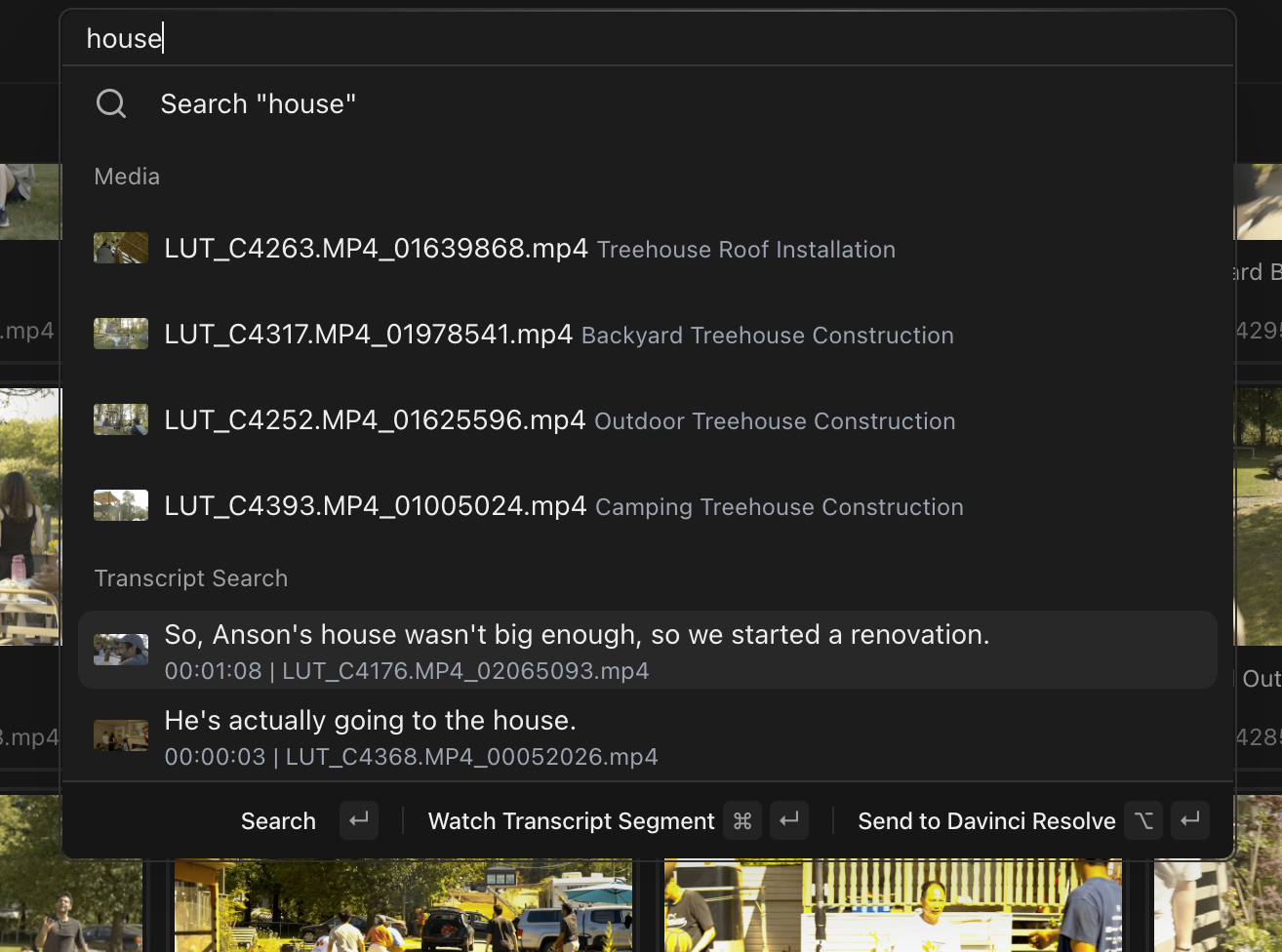
With `Cmd` `K`, in milliseconds you can summon:
* Filenames (both AI-generated and raw)
* UI pages
* People
* Transcripts
* Full [Kino search](/docs/features/search)