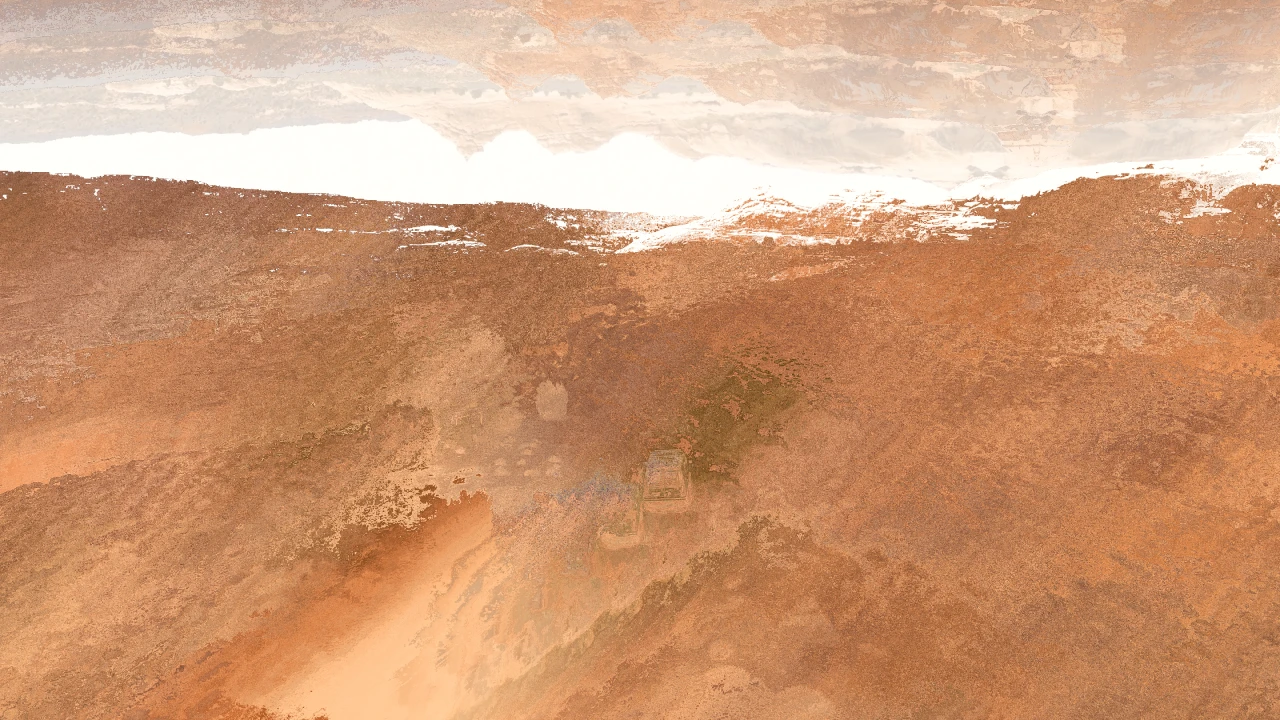
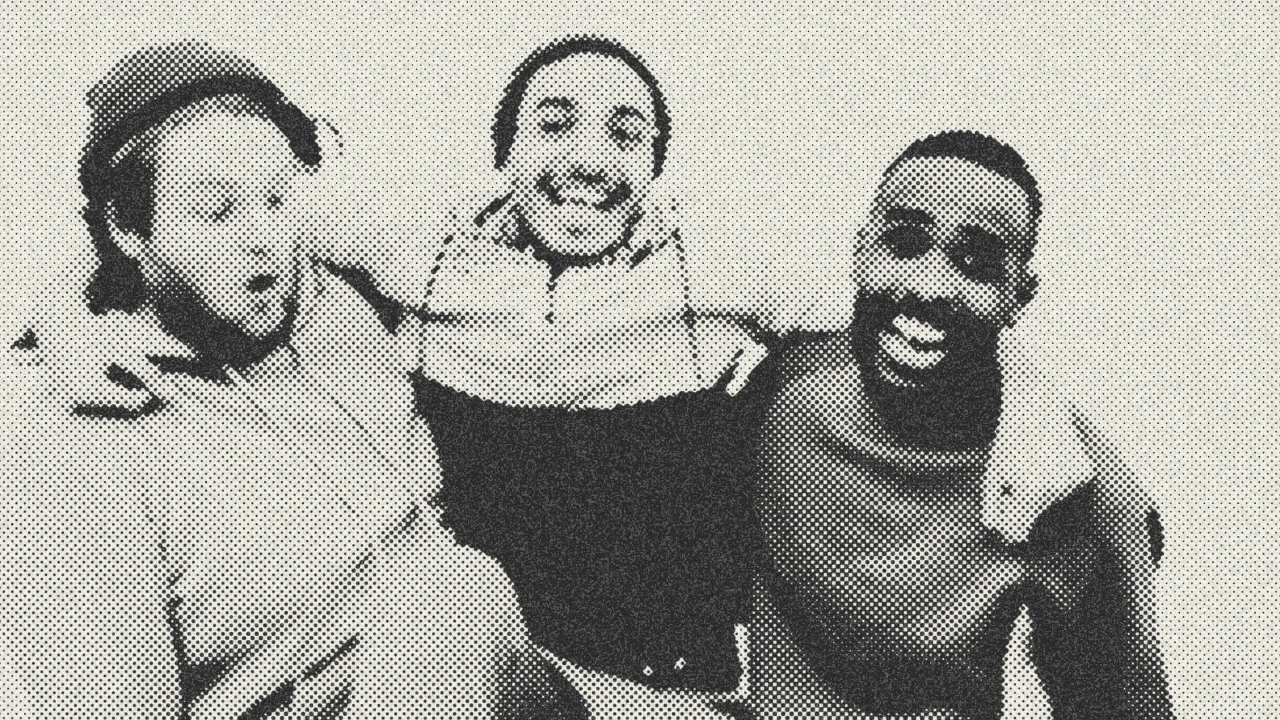
Advanced Radial Blur
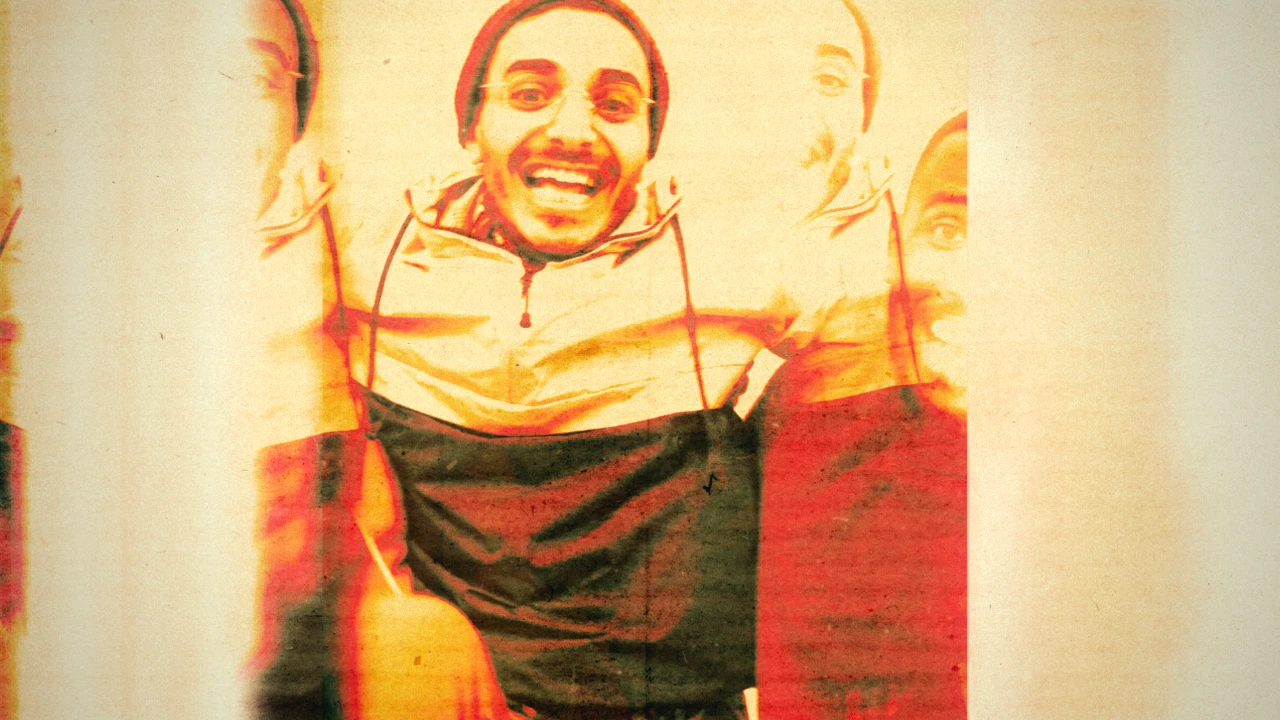
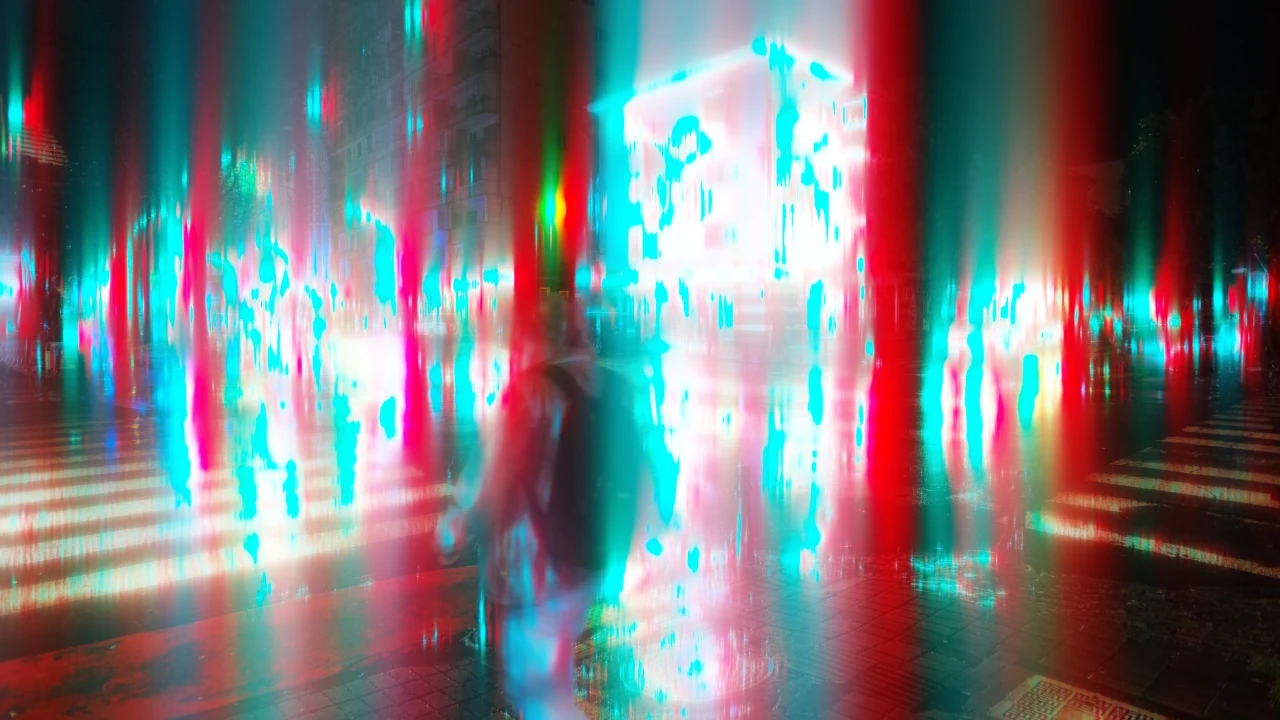
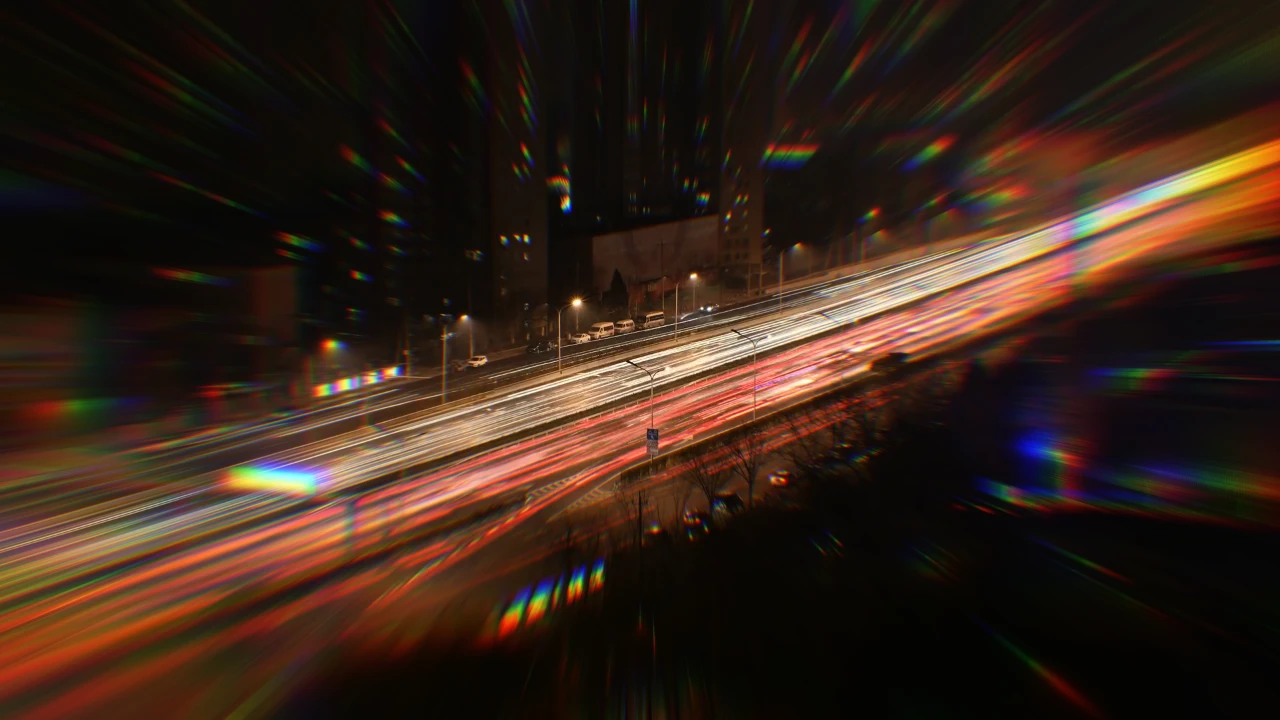
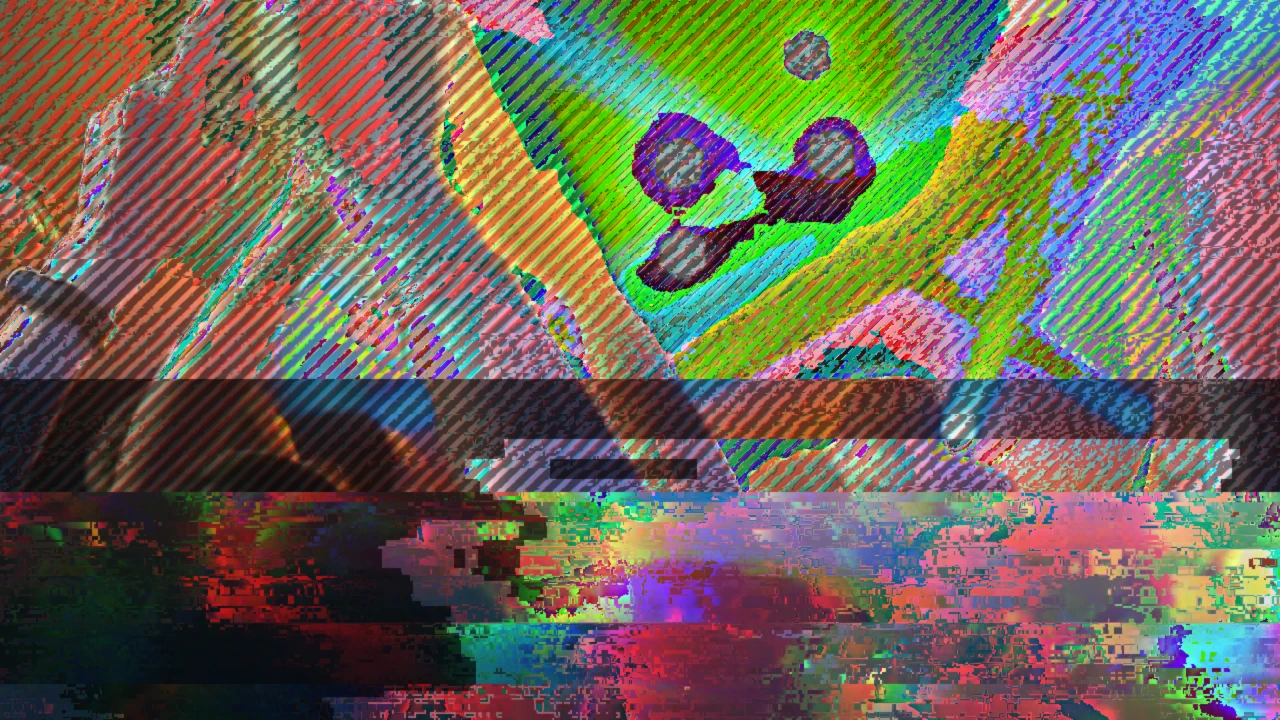
Pulls your footage into a zoom blur toward a centre, with soft edges and colour fringes fanning outward.
0:00 / 0:08
Use it with your agent
In Kino, type @ in a message and pick Advanced Radial Blur. From Claude Code, Codex or Cursor with Kino connected, paste what Copy for your agent gives you:
Use the Kino template "Advanced Radial Blur" (template id catalog-advanced-radial-blur), Preset 2 variant, landscape 16:9.
With the Kino MCP, forkProject({"projectId":"catalog-advanced-radial-blur"}) starts a project from it.
Details
- Formats
- Landscape, vertical and square
- Variants
- Preset 2, Preset 1 and Preset 3
- Length
- 8 seconds
- Category
- Effects