










































Changelog
October 2026
New
Templates
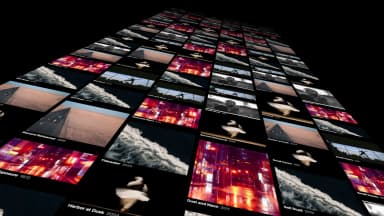
Browse 104 templates, play each one, and adjust its knobs before you add it.





Your own LUTs
Import LUT files and preview each grade on the current frame before you apply one.
In and out on media cards
Drag the handles on a media card to mark a range, then drag that range onto the timeline.
Swap a clip’s source
Replace or slip the footage under a clip, and the clip stays put.
Improvements
- Agents can search the templates catalog and add a template for you.
- Copy a team view, with its panels, into another project.
- Agents can add editable captions to a clip.
- J, K and L play sound at half and double speed, at normal pitch.
- Group your projects into folders.
- A filmstrip under the viewer shows the whole clip, with its comment marks and in and out handles.
and 7 more
- Anamorphic AVI and MXF files play at their display aspect instead of squeezed.
- Exports on Linux are faster. A 58-second video renders in about 35 seconds.
- The Layers list is back as a panel you can dock.
- The timeline works on machines without WebGPU.
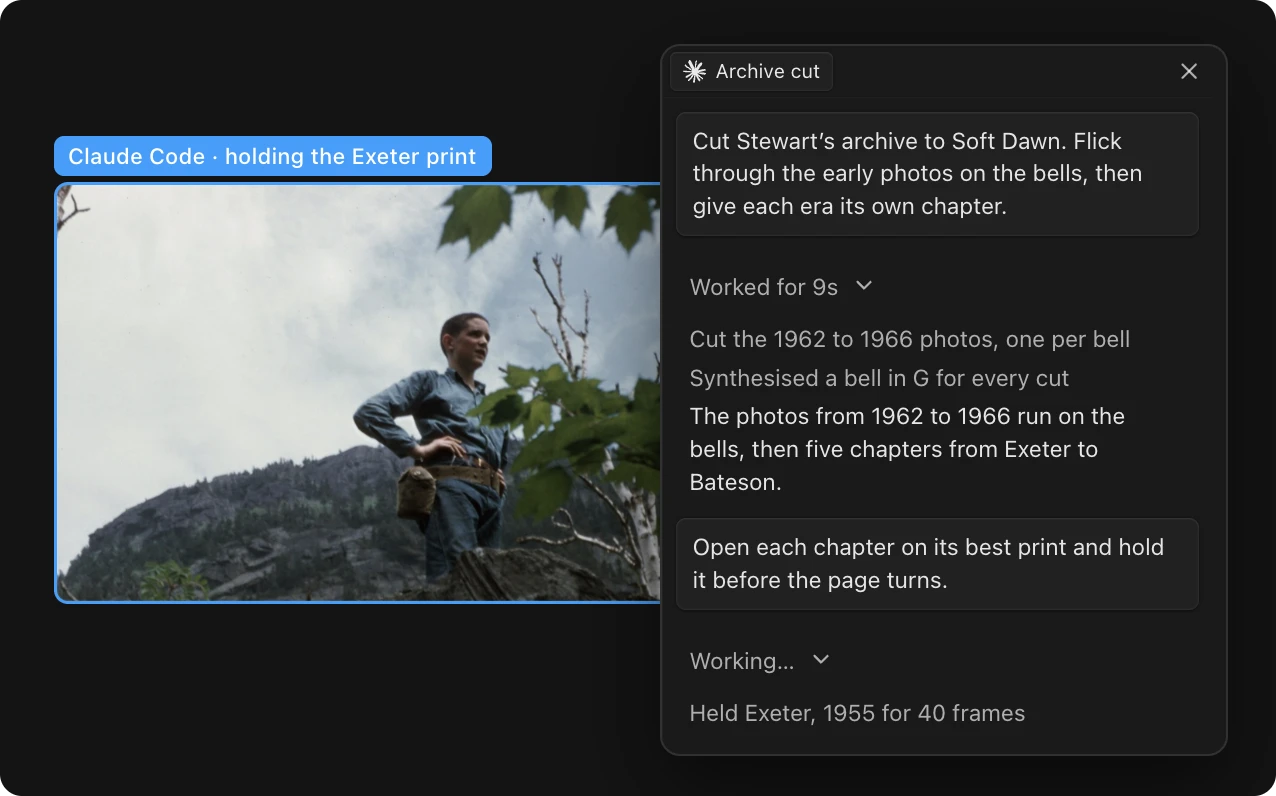
- Claude Code and Codex chats are named for you.
- Agents in the desktop app run on GPT-6.1 Sol and Claude Sonnet 5.5.
- The note composer has an @-mention menu and keeps unsent drafts.
September 2026
New
Custom panels
Ask an agent to build a panel, dock it beside the canvas, and share it with your team.
Kino Agent
The built-in agent runs in the desktop app on your Kino plan with Claude, GPT or Grok.
Delivery links
Deliver renders the cut to a public link where viewers can switch versions and comment.
Notes in the ruler
Press M to drop a note at the playhead for a teammate or an agent.
Improvements
- While an agent works, everyone in the project sees which layer it’s editing.
- Find the silent stretches in the selected clips, check them on the waveform, then cut them all at once.
- Pick a caption style, then edit the caption text in the inspector.
- J, K and L shuttle and frame-step in both viewers.
and 12 more
- Export with a transparent background from the Background field.
- Desktop exports render in their own window, so you can keep editing.
- Open a nested sequence as a tab above the timeline.
- The razor snaps to the playhead and nearby cuts. Shift cuts every track.
- Rotate layers in 3D on the canvas or from the inspector.
- The font picker previews each font on the canvas as you move through the list.
- The media library has a Finder-style column view.
- Clip volume goes up to 400%.
- Each word in a transcript is timed against the audio.
- Agents can generate images, video, music and voice through fal, billed at cost.
- Get notified when an export or an agent finishes.
- Chats show who started them, and teammates can read each other’s chats.
August 2026
New
Claude Code and Codex
Run either agent in the desktop app on the Claude or ChatGPT plan you already have.
Windows and Linux
The desktop app installs on Windows and Ubuntu.
Keyframes
Set keyframes from the inspector and move them on the timeline, where they snap into place.
Improvements
- See teammates’ cursors and jump to where they are.
- Publish a project as a template or a brand, and your team can start new work from it.
- Separate Audio moves a clip’s sound onto its own track.
- Fade any clip in or out from the inspector.
and 11 more
- Bins can hold other bins.
- Download a YouTube video into your library from the desktop app.
- Agents can look at frames of your footage, and split a video at its scene cuts.
- Search inside the script panel.
- @-mention projects and templates in chat.
- Chat history opens in a sidebar where you can search, pin and archive chats.
- Recordings put the mic on its own clip and capture the camera at full resolution.
- Timeline zoom stays at full frame rate.
- XAVC-I files in MXF play instead of showing black.
- Korean and other non-English speech is no longer transcribed as English.
- Timeline snaps give haptic feedback in the Mac app.
July 2026
New
Trim tools
Ripple trim, slip and razor tools. Press B to split a clip.
In and out range
Mark a range on the timeline and point an agent at it in chat.
Recording
Record your screen, camera and mic together.
Improvements
- Add text straight on the canvas and style it in the inspector.
- Connect Claude Desktop or ChatGPT to Kino in one click.
- The Files tab in Command+K finds media by filename.
- Put a phrase in quotes to search for it exactly.
and 8 more
- Messages sent while an agent is replying wait in line.
- Download originals, several files at once, or a clip’s proxy.
- Trims and Option-drag duplicates show snap guides, and in and out points snap to clip edges.
- Drop a bin on the timeline to lay its clips end to end.
- Filmstrip and waveform get separate lanes on video clips.
- The project picker has grid and list views.
- Agents can manage bins and read your timeline’s script.
- Chat adds GPT-5.6, Claude Sonnet 5, Fable 5 and Grok 4.5.