Grok Bot
Send your Grok Bot this message:
Kino is waitlist only for now. The message to send comes with your invite.
Join the waitlistIt installs Kino on its own computer and asks how you sign in. Once you reply, it lists your projects.
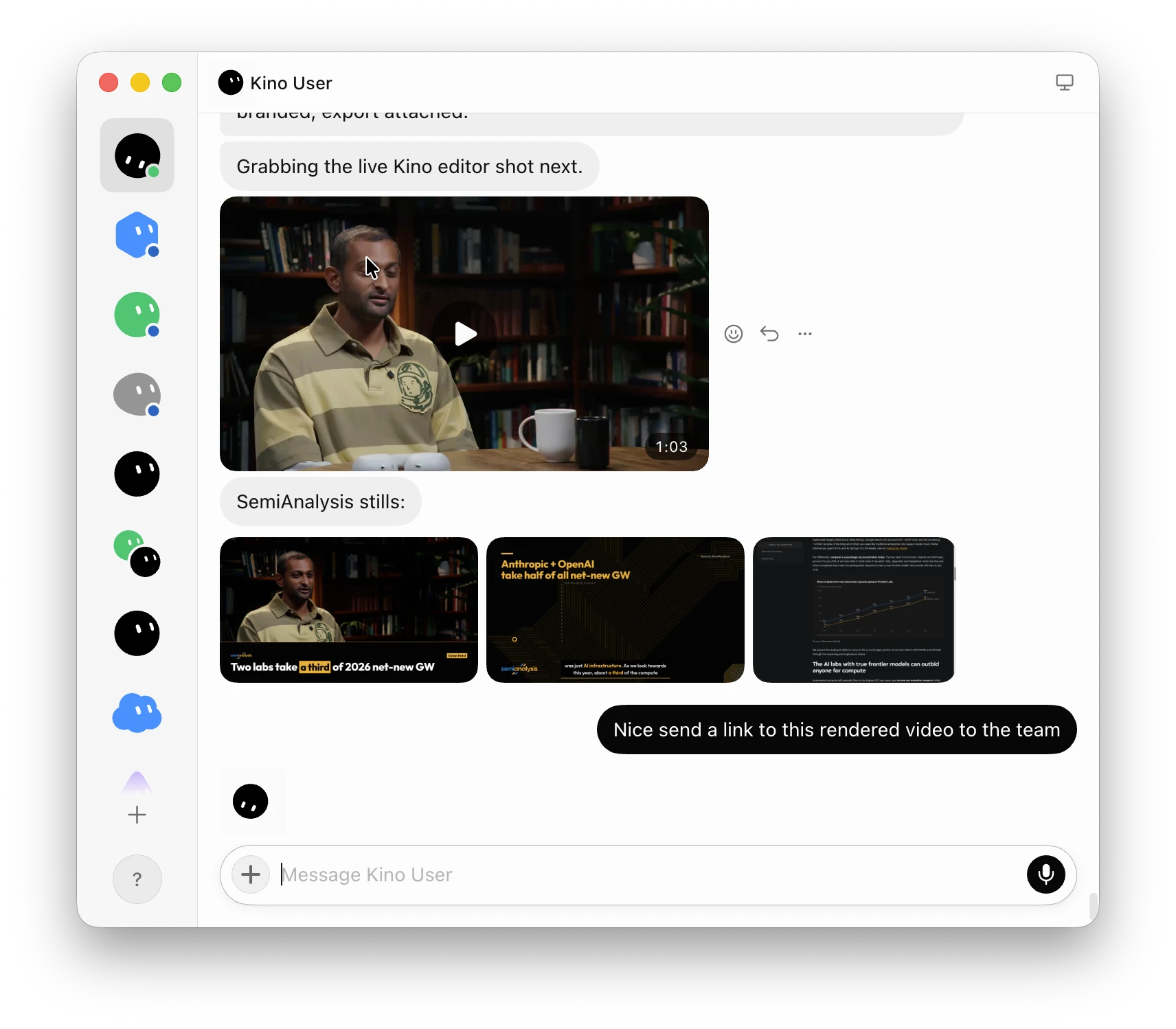
Ask for an edit
Message it like a teammate:
Open @Shopify Buyer Profile in Kino and recreate the intro as a posterized 12fps animate-in: header, then cards, then chart. Send me the project link and an exported clip when it's done.
It replies with the project link and the finished clip.
Kino has to stay open on the bot’s computer. If the bot says it isn’t running, ask it to open Kino again.
Grok Bot comes with SuperGrok and Cursor Pro.