Cloud agents
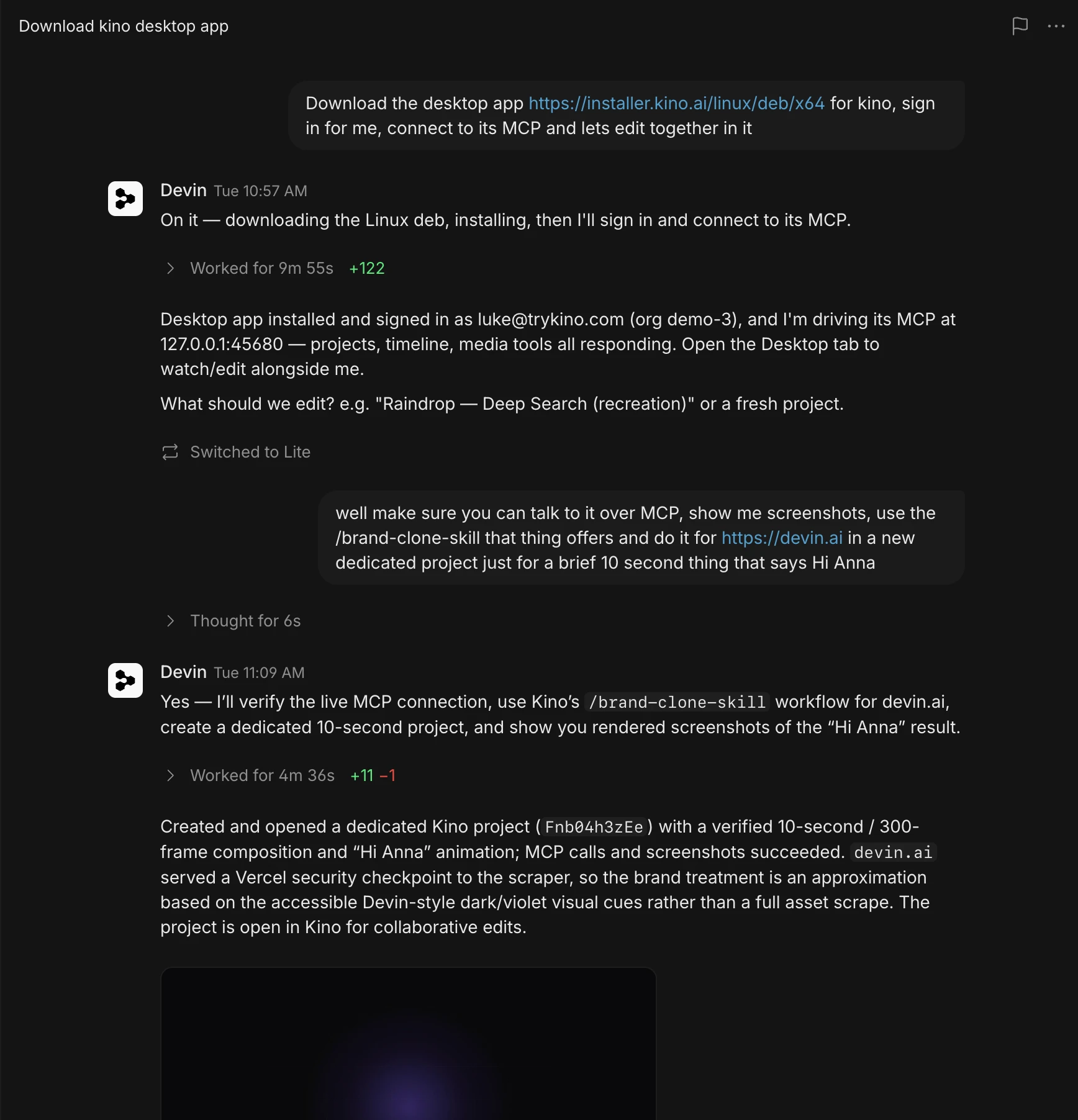
Devin, Grok Bot, Muse and Dot each work on a computer of their own. Send one this message:
Download the Kino desktop app for Linux from https://kino.ai/api/desktop-download/linux?source=agent and install it on your computer. Open it and sign in to my Kino account. Ask me how I sign in (Google, or email with a one-time code) and for anything you need along the way. Then connect to Kino's MCP server at http://127.0.0.1:45680/mcp and list my recent projects so I know it works.
Ask for an edit
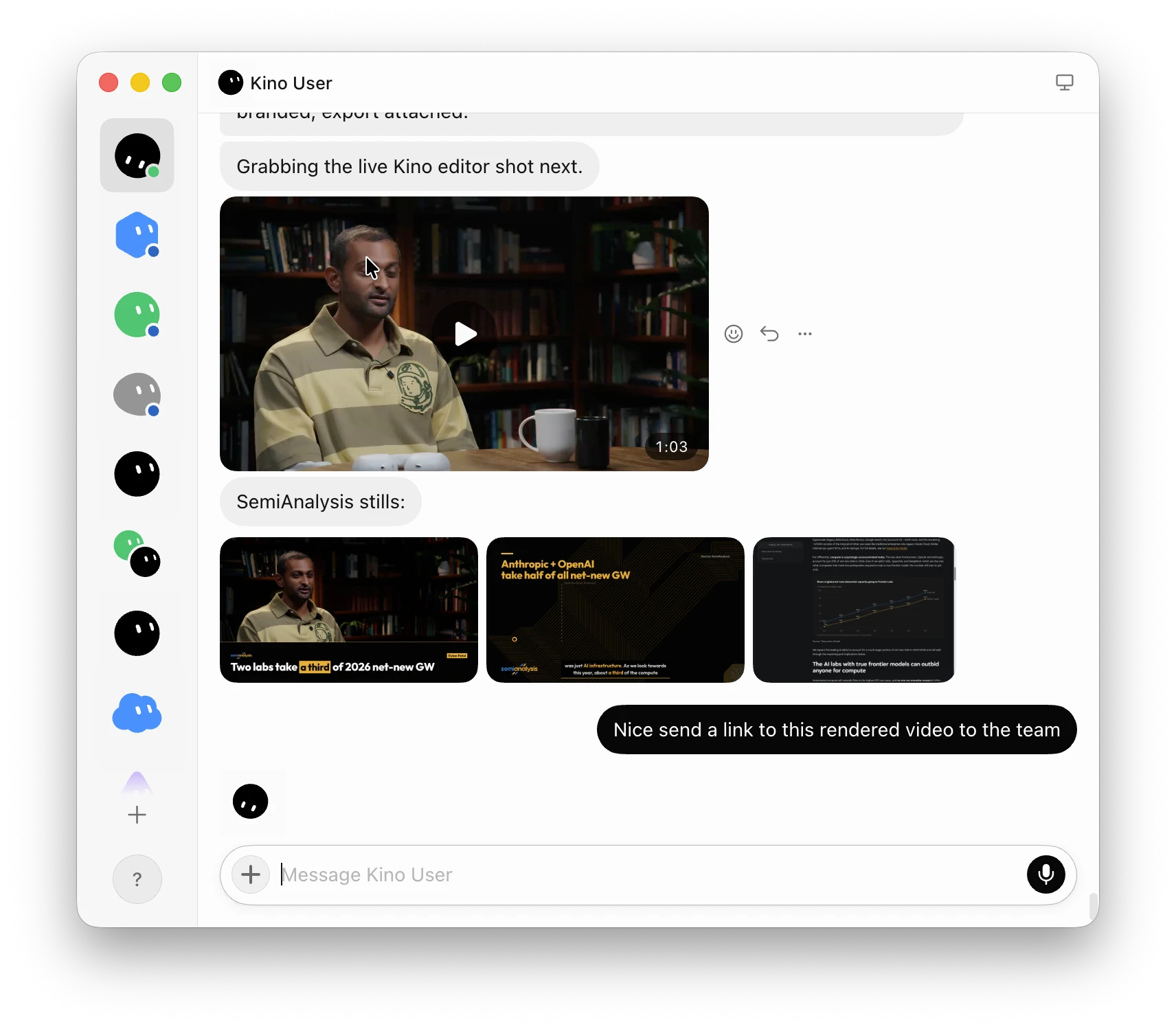
Open @Shopify Buyer Profile in Kino and recreate the intro as a posterized 12fps animate-in: header, then cards, then chart. Send me the project link and an exported clip when it's done.
Keep Kino open on the agent’s computer while it works.
Devin
Start a Devin session. Open the Desktop tab to watch it work or use Kino yourself.
Grok Bot
Grok Bot comes with SuperGrok and Cursor Pro.
Muse
Muse is free with a usage limit. Subscriptions raise the limit.
Dot
Dots are included with ChatGPT Pro and Business Premium, and with Enterprise once an admin turns them on.