Automatic animations, titles, and visual effects through conversation
Tell Kino what you need. It creates the animation and adds it to your timeline. Then revise it in chat: “make it faster,” “change the color,” or “add a drop shadow.” You can paste reference images or videos to match a style.
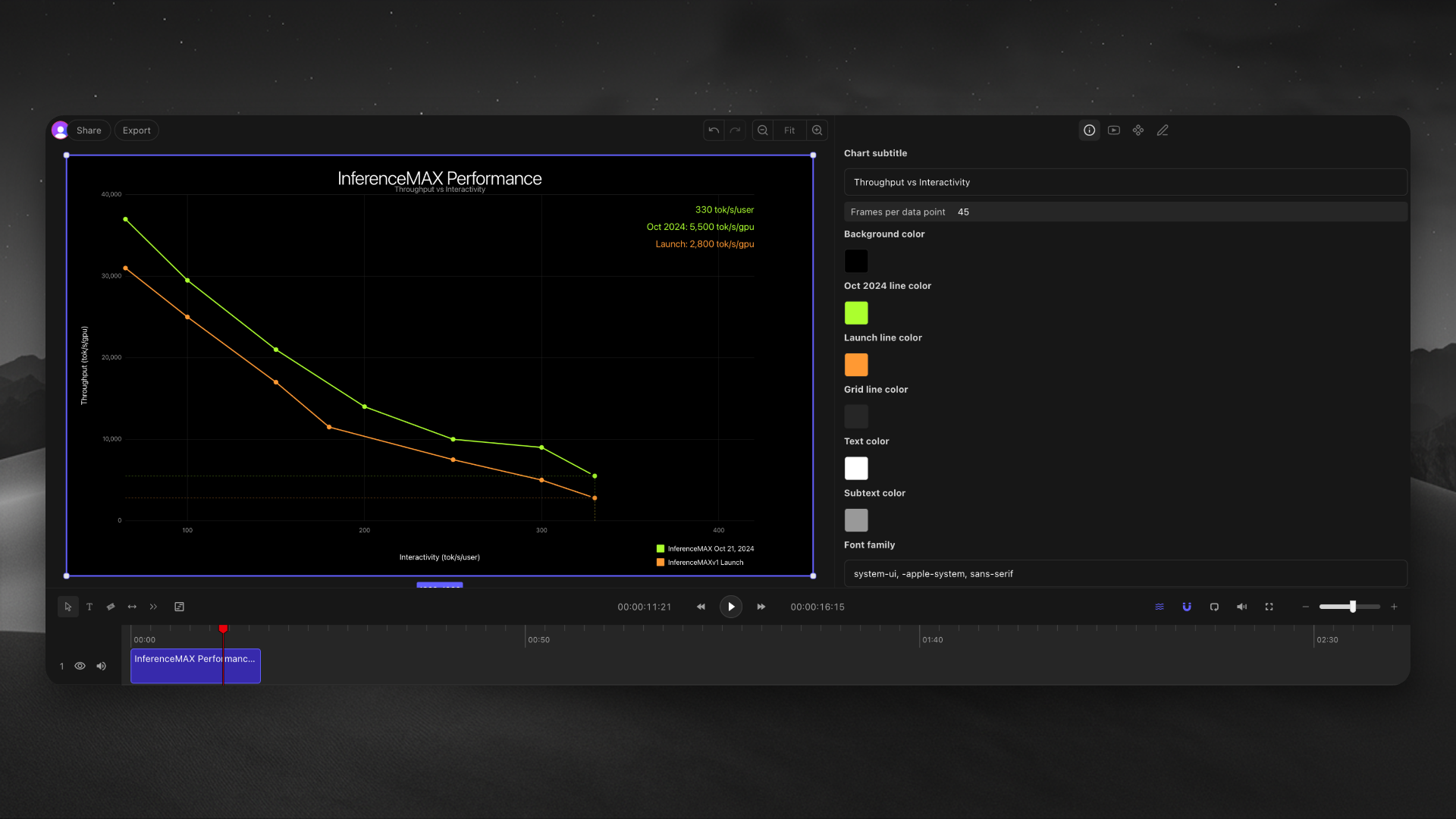
Animated data visualizations
Replicating UI
Lower thirds
Visual effects
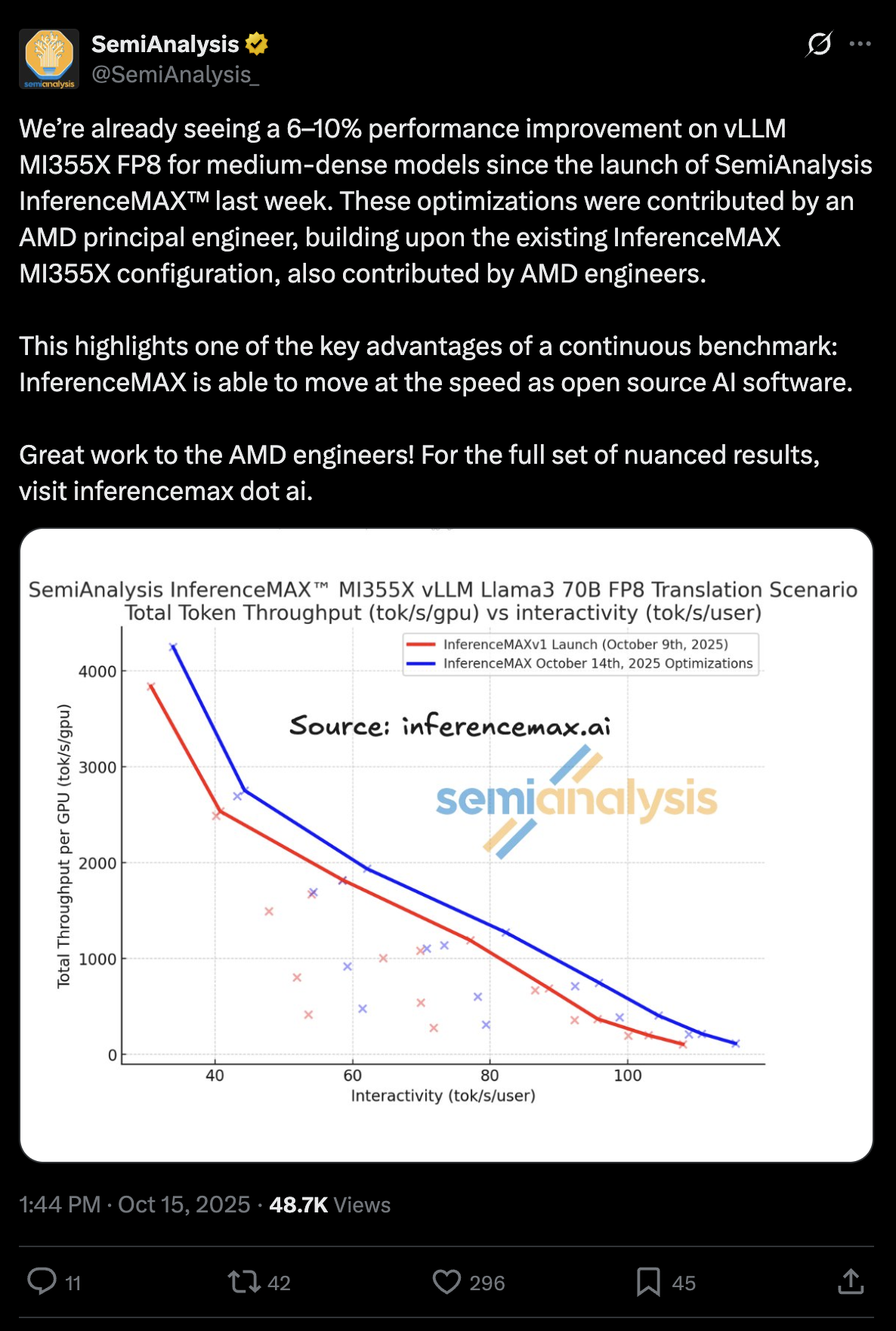
See attached tweet from SemiAnalysis and make a dark mode semi transparent horizontal animated graphic of this data, match rest of my project’s color scheme
Done! I’ve created a dark mode animated graphic with your brand colors.
The graphic animates on the timeline. You can adjust speed and transparency in the inspector.
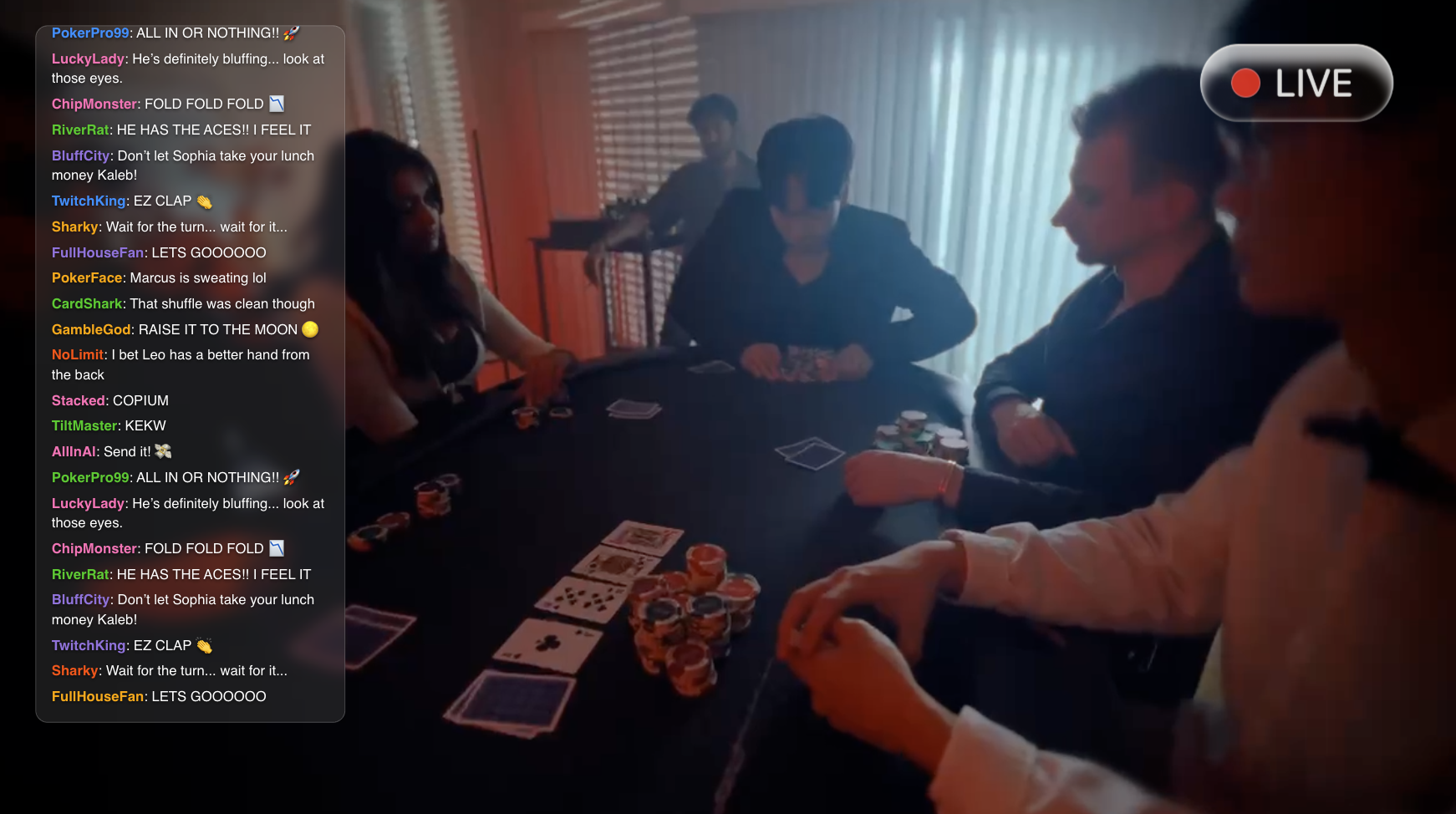
Selected main character playing poker. Make very fast Twitch chat that eggs him on in his glasses based heads up display.
I’ve added a green Twitch chat HUD overlay with Courier text, scan lines, and fast messages like “ALL IN OR NOTHING” and “EZ CLAP.”
Make a lower third for Sarah Chen, CEO
Created a lower third with her name and title. It slides in from the left and has a subtle gradient background. Want me to match your brand colors?
Add a particle effect behind the logo, something like floating dust in sunlight
Added floating particles behind your logo. They drift slowly upward with a warm golden tint. You can adjust density and speed in the inspector.