Documentation Index
Fetch the complete documentation index at: https://kino.ai/docs/llms.txt
Use this file to discover all available pages before exploring further.
Kino’s AI search engine lets you instantly find specific moments in your video footage using natural language, visual elements, and advanced filters - saving editors hours of manual searching.
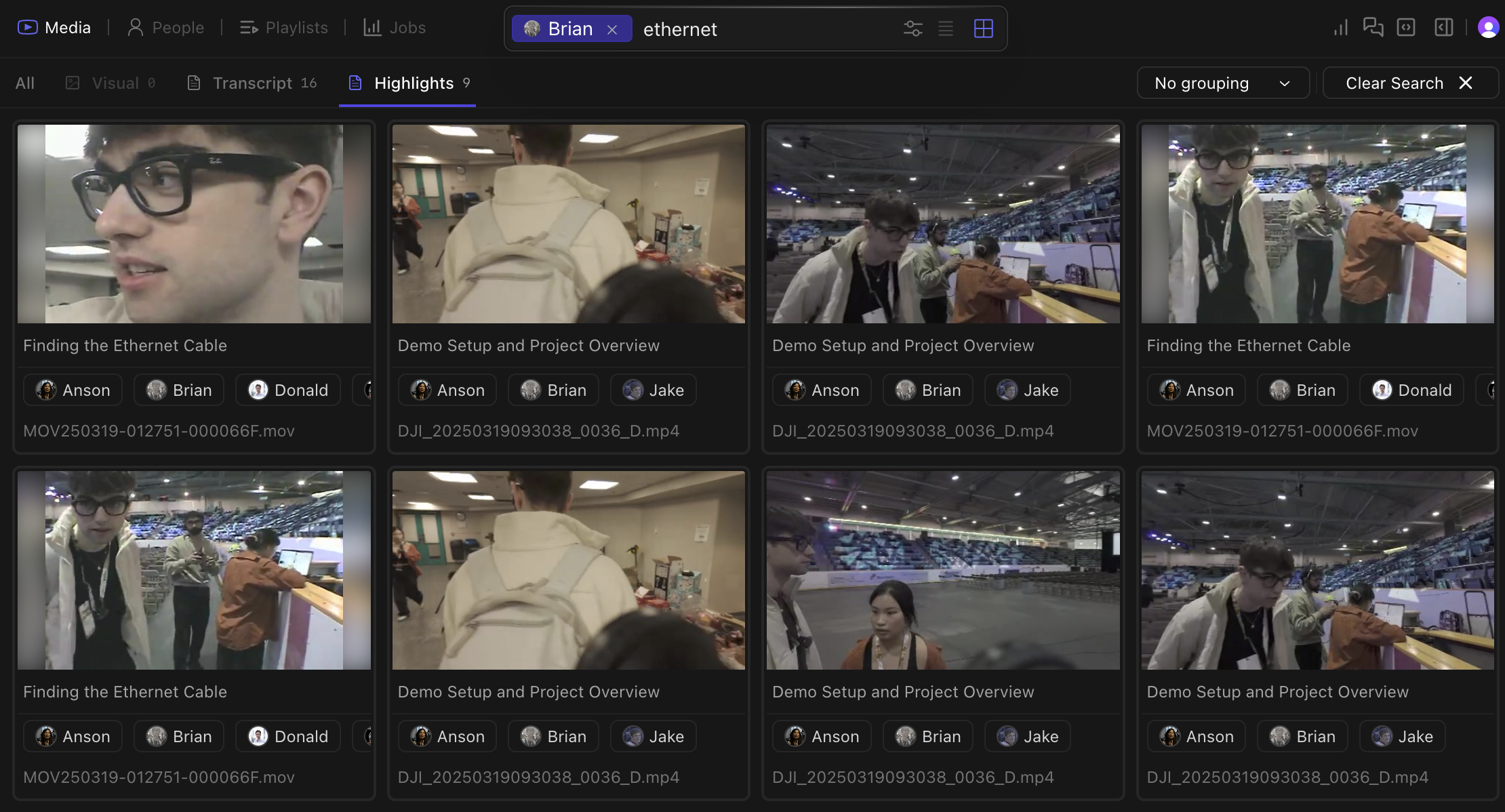
Search by people
Thanks to person detection, you can filter thousands of hours of footage for specific individuals or groups of people.
Search modes
Transcript
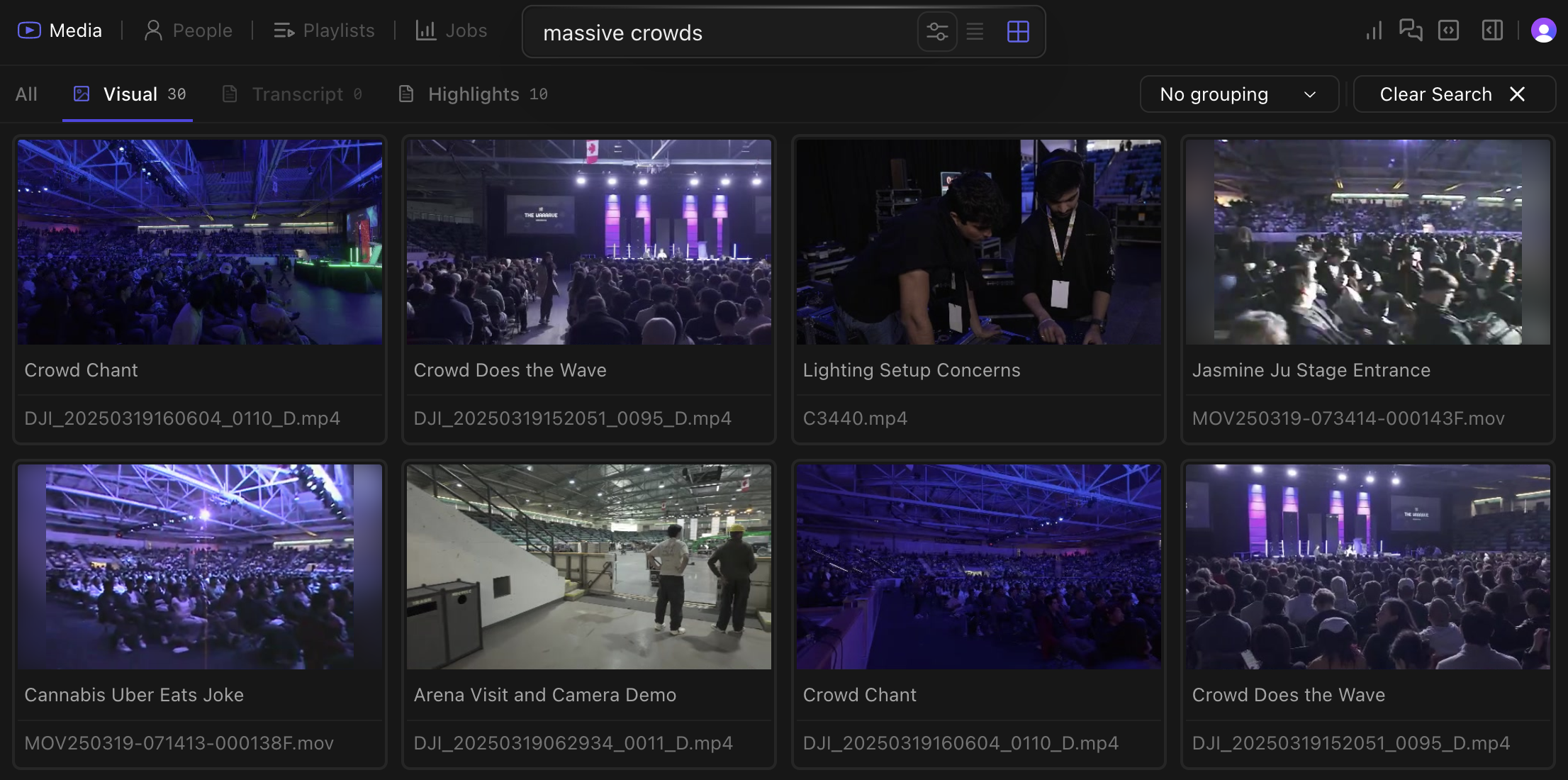
Visual
Emotion and Context
Every word spoken in your footage becomes searchable automatically. Find dialogue moments without manually creating transcripts.
Kino recognizes objects, scenes, actions, and visual elements in your footage. Search for “beach sunset”, “two people walking”, or “drone shot of city” and find matching visuals instantly.Kino’s AI identifies content that traditional metadata would miss. You can also search for emotional moments like “happy celebration” or “tense argument” based on visual and audio cues.
Locate emotional moments like “happy celebration” or “tense argument” based on visual and audio cues.
Advanced Filtering
Combine search methods for powerful results:
- Find all clips where “@Sarah mentions quarterly results near whiteboard”
- Locate “exterior shots of building with people entering during daytime”
- Filter for “closeup shots with dramatic lighting and minimal dialogue”